John Slatin AccessU 2026
Attendee Guide
Welcome to John Slatin AccessU 2026!
AccessU 2026 Attendee Guide
John Slatin AccessU is one of the highlights of our year. We reconnect to our origins, making the digital world more inclusive for people with disabilities. We recommit to our mission through a hands-on training conference dedicated to improving digital accessibility, awareness, and skills.
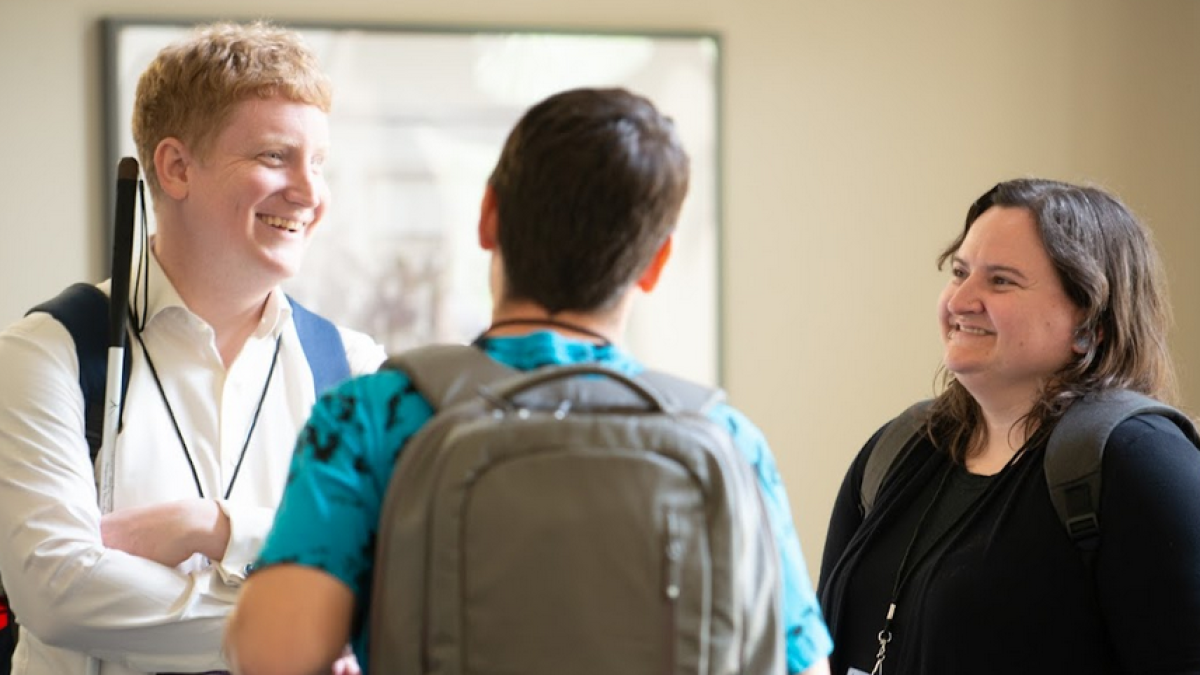
We gather as a community sharing knowledge, insights, and fellowship. And we have a lot of fun along the way!
Use Slack to Connect with Attendees
Join our AccessU Slack channel to swap tips, ask questions, and meet your fellow accessibility advocates in real-time. See you in the chat!
Attending Classes
The full Schedule of Classes is posted (always subject to change but kept current. ). Schedule details will be available in an accessible spreadsheet format and posted for download from the Schedule page.
Joining Sessions via Zoom Events
Zoom Events will be our conference hybrid platform for all sessions and events for AccessU 2026
Connecting via Zoom
Our virtual conference platform is on Zoom Events. All registered attendees will be sent an email from noreply-zoomevents@zoom.us saying you are registered, please check your spam folder if you don't find this. This will be sent closer to the event.
Once you activate the 'Agree and Join' control, you will then login to Zoom. Make sure you log in with the email address you provided in your registration as the Zoom Events email. If you need to log in with a different email address please let us know and we can change it.
Once in Zoom Events, use the 'Join Lobby' control. All upcoming talks are listed in the Sessions tab - found at the top right hand side. You can browse all sessions and even bookmark them to return to later. Once a session has been bookmarked, you'll be able to find it in a calendar view in the Itinerary.
When a session has started, a 'Join' button will appear. Activate this to join the session.
Sometimes Zoom messages are blocked by corporate firewalls and security. If you don't find these messages in your inbox or spam folder, please contact AccessU@knowbility.org for assistance.
Presentation Materials
All registered attendees will have access to the recordings and materials thru the end of the year. You may access the recordings via the Zoom Events platform.
For More Information
Use the links below for more information about AccessU.
- Full Class Schedule - view all the available classes for AccessU 2026.
- Conference Activities - information about social events and conference activities.
- FAQs - if you have any more questions, please refer to this short guide!
- Conference Shuttle Information- Information about shuttle service and links to daily shuttle schedules
- Hotels, Transportation and Parking - Details about conference hotels, shuttle schedule and parking information.
- Accessibility Accommodations- learn about the accommodations we provide to make AccessU an accessible experience for all attendees.
Questions?
Still have questions? - Any issues please just reach out on the Help channel of the Slack or send email to accessu@knowbility.org.
Thank you for joining our annual AccessU conference and for all you do to support our shared mission of making the digital world more accessible and inclusive for all.
Thanks to our AccessU 2026 Sponsors!