
From the team behind John Slatin AccessU
Knowble Masters Program
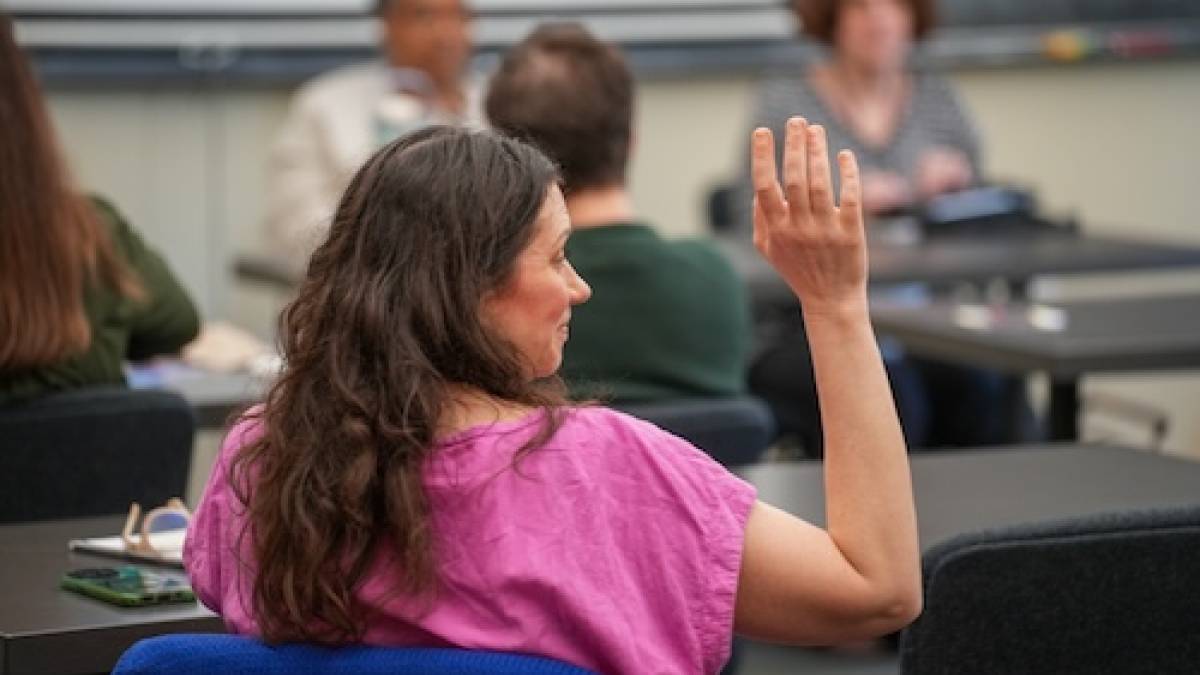
The Knowble Masters Program is a series of live, cohort-based courses taught by AccessU faculty. Each course runs three to eight weeks, so you have time to practice, ask questions, and come out able to do the work.
Go deeper than a conference session.
For more than 20 years, AccessU has brought working accessibility experts together with the people building technology. But real skill takes more than a 90-minute session.
The Knowble Masters Program picks up where AccessU leaves off. Each course is built and taught live by a recognized expert in their area, from mobile accessibility to testing to data visualization. You learn alongside a small group of peers, work on real exercises between sessions, and get direct access to your instructor the whole way through.
It's not a recorded course library, and it's not certification prep. It's expert-led training designed to build lasting capability.
How it works
- 1
Pick your course. Each course lists its level (beginner or experienced), length, session dates, and any prerequisites, so you know what you're signing up for.
- 2
Join your cohort. Courses run three to eight weeks, usually with live sessions once or twice a week on Zoom. You'll learn alongside a group of peers working through the same material.
- 3
Learn live, then practice. Sessions combine short teaching segments, demonstrations, and hands-on work. Between sessions, you'll apply what you learned to your own projects or practice sites.
- 4
Get support the whole way. A Knowbility host runs each session, handles questions, and keeps things moving, so your instructor can focus on teaching. Session recordings are available to everyone enrolled.
- 5
Finish with something real. You'll leave with work you've built or tested yourself, plus checklists and resources you can keep using.
Upcoming courses
Now enrolling
Back to the Basics: Creating and Maintaining an Accessible WordPress Website
with Sumner Davenport
Beginner · 3 weeks · 6 live 2-hour sessions · Tuesdays and Thursdays, January 5–21, 2027 · $799
Six live sessions take you from a blank WordPress install to a small, accessible site you test yourself. Accessibility is built into every session, not saved for the end, so good habits form from day one. No coding required.
You'll leave able to:
- Build a 3–4 page WordPress site with a correct heading structure
- Choose and evaluate an accessible theme
- Write useful alt text and check color contrast
- Test any page three ways: with an automated tool, keyboard only, and a screen reader
- Write an accessibility statement for your site
Coming in 2027
Digital Accessibility: Foundations to Practice
with Christine Foushi
Early 2027
Accessibility From A to Z
with Crystal Preston Watson
Early 2027
Designing Accessible Videos in WordPress
with Sumner Davenport
Spring 2027
Data Visualization Accessibility
with Frank Elavsky
Summer 2027
Using Assistive Technology to Evaluate a Site
with Desiree Simeone
Summer 2027
Building a Durable Accessibility AI Harness
with Kelsey Ruger
Summer 2027
Mobile Accessibility 101
with Mark Steadman
Summer 2027
Intro to Accessibility Testing
with Becky Gibson
Fall 2027